Mastering Information

Extend due dates and create reading lists with MyCatalog

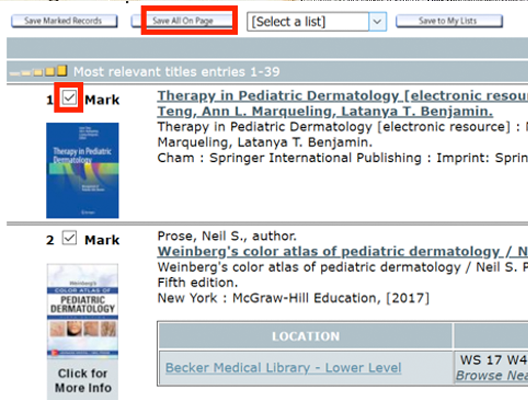
Logging into the library catalog with the MyCatalog feature allows you to extend due dates for checked-out materials and create reading lists or preferred searches. To explore these features, go to the library catalog and click the My Catalog tab. Here you will log in using your WUSTL Key. After logging in, you will see  [Read more]

Mastering Information

New Guide to Diversity, Equity and Inclusion Resources

Becker Medical Library has created a new Guide to Diversity, Equity and Inclusion Resources. The guide allows users to browse Becker Library’s growing collection of DEI-related books, many curated through the Feuerstein Health and Wellness Information Center, as well as links to organizations, articles and videos grouped under headings like “Anti-Racism,” “LGBTQIA+,” “People with Disabilities,”  [Read more]

Mastering Information, Science and Informatics

How to Use RStudio Projects to Structure R Working Directories

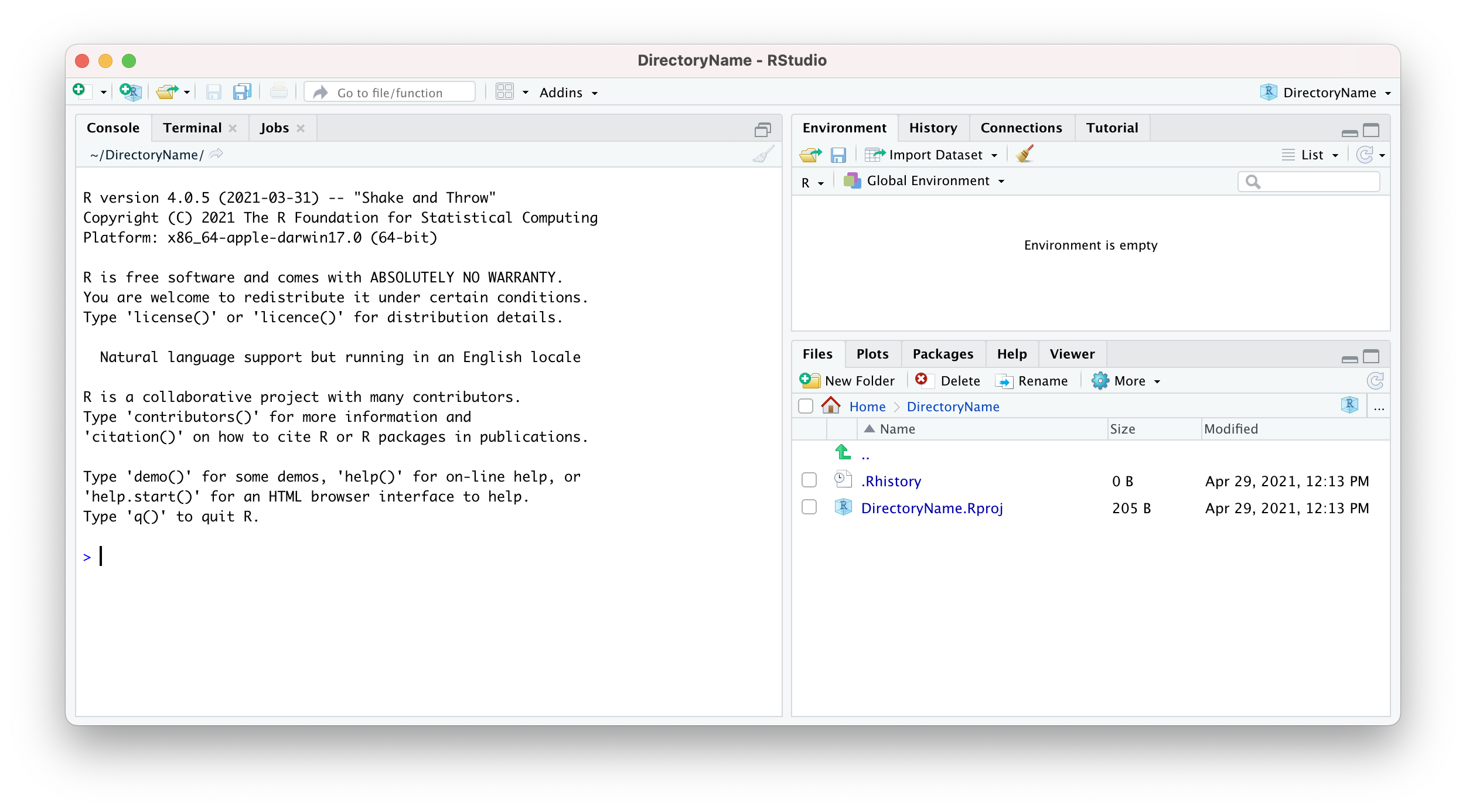
RStudio is a popular integrated development environment (IDE) with several point-and-click features that make using the R programming language and software environment easier. It works on multiple Operating Systems (OS) including Windows, macOS, Linux, and the online RStudio Cloud version. How R interacts with directories and the OS is very important. The current working directory  [Read more]

Mastering Information

How to Access Popular Medical Apps Through Becker Library

Did you know you can access many of the most popular medical apps through Becker Library? Here are some you can use without purchasing a personal license:  UpToDate: A point-of-care resource with updated clinical summaries. (UpToDate access is provided by BJC)  UnBound Medicine/UCentral: Access The Washington Manual of Medical Therapeutics, The Johns Hopkins ABX Guide, and 5 Minute Consult, all from  [Read more]

Mastering Information

Tips for Accessing Becker Resources from Anywhere

Becker Medical Library subscribes to a wealth of online books, journals and databases, but because publisher agreements usually restrict usage to authorized campus users, your access will always depend on where you are and your type of network connection. Libraries recognize that their users need to be able to access materials while off-campus or when  [Read more]

Mastering Information

Get EndNote help via Zoom

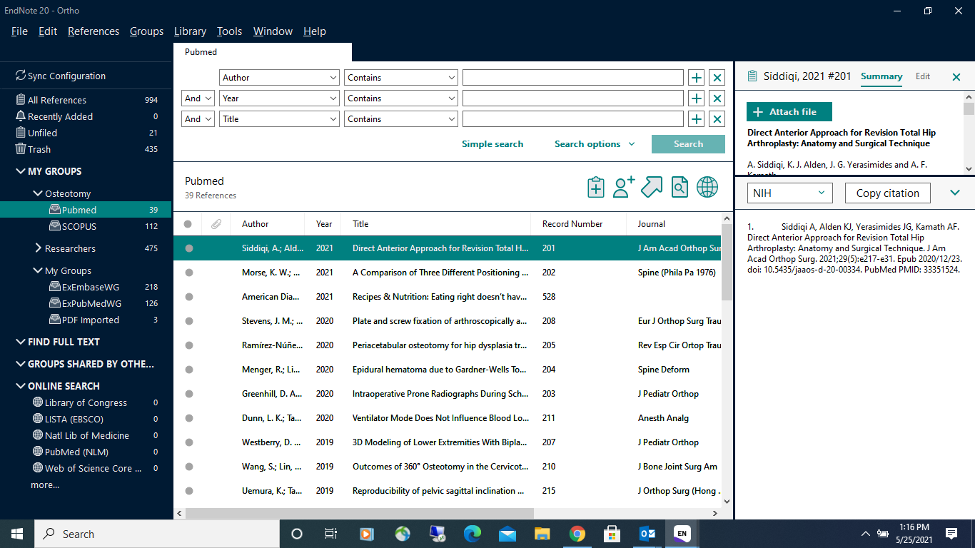
Becker Library’s resident EndNote expert, Coordinator of Education Services Kim Lipsey, is available to meet one-on-one via Zoom for EndNote troubleshooting and assistance – simply contact her at lipseyk@wustl.edu to set up an appointment. She is available to answer any EndNote-related questions you may have. Examples of issues Kim has helped with include: How do I link references  [Read more]

1 3 4 5 6 7 12